Writes Foundry workflows from a description
Our team and yours design each workflow in a builder chat. A Foundry agent writes the YAML; nothing saves until a Builder does.
AI agents run tenancy terminations, repairs and turnover maintenance for Dutch woningcorporaties, inside your own Microsoft 365. Staff approve in Teams.
We start from the way your corporation works today, together with your staff, and go process by process.
No separate application: a Teams app with single sign-on and three tabs, Overview, Notice intake and Inbox. Results per process over 7, 30 or 90 days are computed from Foundry run data when you open them; nothing is stored.
Now
Results · 30 days 73090
Emails, documents and personal data stay in your Teams, Outlook and Azure, under your own security policy, access rights and compliance. No external storage of personal data is intended. We agree and validate the setup and access with you first.
Agents carry out as much of the operational work as they can. Your staff come in where their judgement, a decision or an approval is needed.
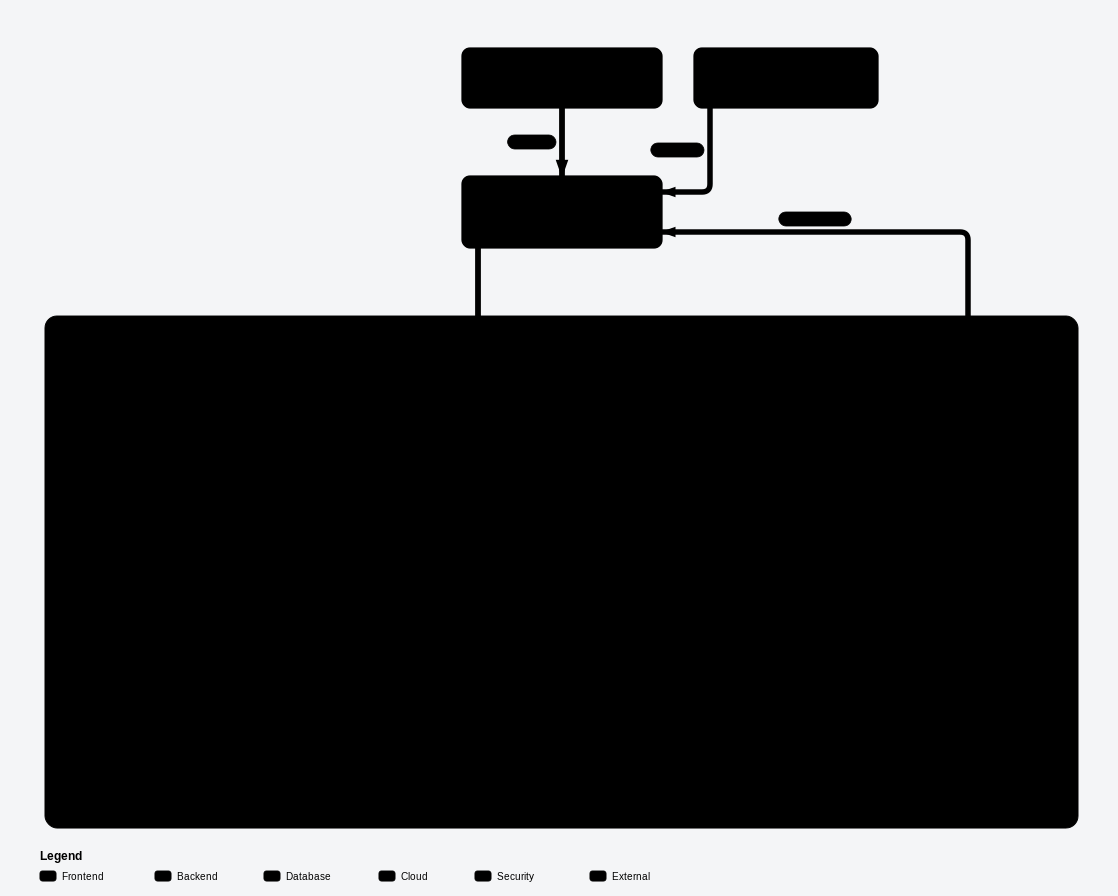
Workflow definition
Declarative YAML in your Foundry project, the source of truth. foundry-flow reads and writes it through the Foundry API and keeps no copy.
Orchestration
Runs the steps: agent calls, conditions, variables, questions. Keeps run state, checkpoints and retries. Runs start in background mode.1
Agents
Instructions, a model deployment and tools. Library skills are composed into the instructions; each agent call is a step of the run.
Models
In your Foundry project, for example GPT. Inference stays inside your Azure tenant boundary, as you configure it.
Human in the loop
The workflow is published to Teams and staff answer there. The run waits in Foundry, for days if needed.1
State and history
The Teams dashboard reads them when it opens. foundry-flow has no database of its own.
Identity and security
Teams single sign-on and app roles; the API validates Entra tokens itself and calls Foundry with a managed identity, no keys.
The thin layer
The Teams app’s tabs and a stateless API, scaled to zero, deployed with one azd up. Builders’ pages open in a browser.
1 To be checked first on a real subscription: how Foundry reports a waiting run, background mode for workflow runs, and Teams question steps.
One notice, traced through a run
kind: Workflow
trigger:
kind: OnConversationStart
actions:
- kind: InvokeAzureAgent
agent: { name: notice-reader }
- kind: InvokeAzureAgent
agent: { name: tenancy-matcher }
- kind: SetVariable
variable: Local.earliestEnd
value: =DateAdd(Local.received, 30)
- kind: ConditionGroup
conditions:
- condition: =!IsBlank(Local.missing)
actions: ask-tenant
- kind: Question
prompt: Confirm tenancy and dates
# waits on: Property staff
- kind: InvokeAzureAgent
agent: { name: email-drafter }
- kind: Question
prompt: Approve the draft
- kind: EndConversation
Our team and yours design each workflow in a builder chat. A Foundry agent writes the YAML; nothing saves until a Builder does.
Skills are files in Foundry. A changed skill flags every agent out of date.
Runs from every workflow in one list, with their state and whom they wait on.
Builders edit workflows, agents and skills. Staff start runs and follow them.
Stateless and scaled to zero, so idle hosting costs about $0. You pay for model tokens.
We work with you stepwise, controlled and measurable, not as a software vendor that hands over a tool.
With your staff we map each process, design the target process and measure the results after go-live.
For using, maintaining and further developing the agents, dashboards and integrations.
Possible outcomes
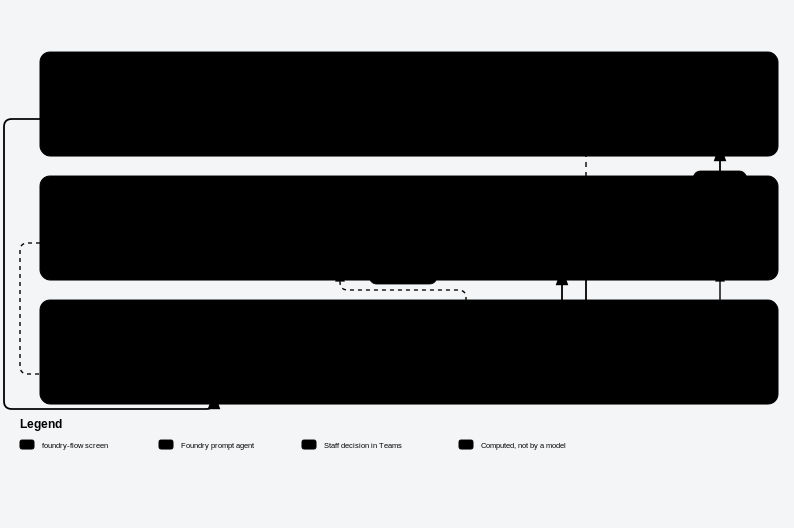
The notice-intake demo, built for Property TurnOver: one Foundry run per tenant’s notice.
The notice board reads each stage from its run. Every email is a draft staff approve; the demo sends none, and no text calls a date legal.
Settled: Foundry workflow YAML is the source of truth and foundry-flow keeps no copy. Prompt agents only for now, with no hosted or coding agents, plug-in modules or schedules yet. Each check below runs on a real subscription first and has an agreed fallback.
Fallback: the question step writes the person and question into run metadata.
Checked on a real subscription before anything is built on it.
Fallback: an answer box in the inbox posts the reply into the Foundry run.
Fallback: a small date tool the workflow calls.
Fallback: a companion file keeps the base instructions and skill list.
Fallback: a small run index in Azure Table Storage; Foundry keeps the state.
Fallback: results cover only what Foundry keeps, and say so.
Each change lands on its own, in this order. The first runs the seven Foundry checks on a real subscription, so the later changes build on answers.